01 · SET YOUR PACE
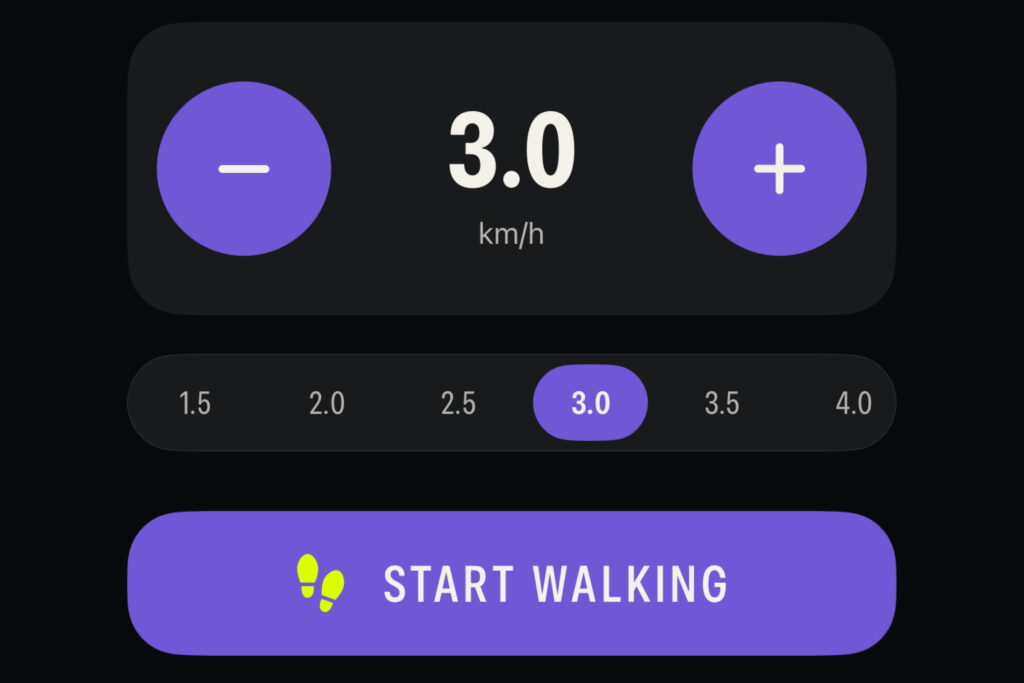
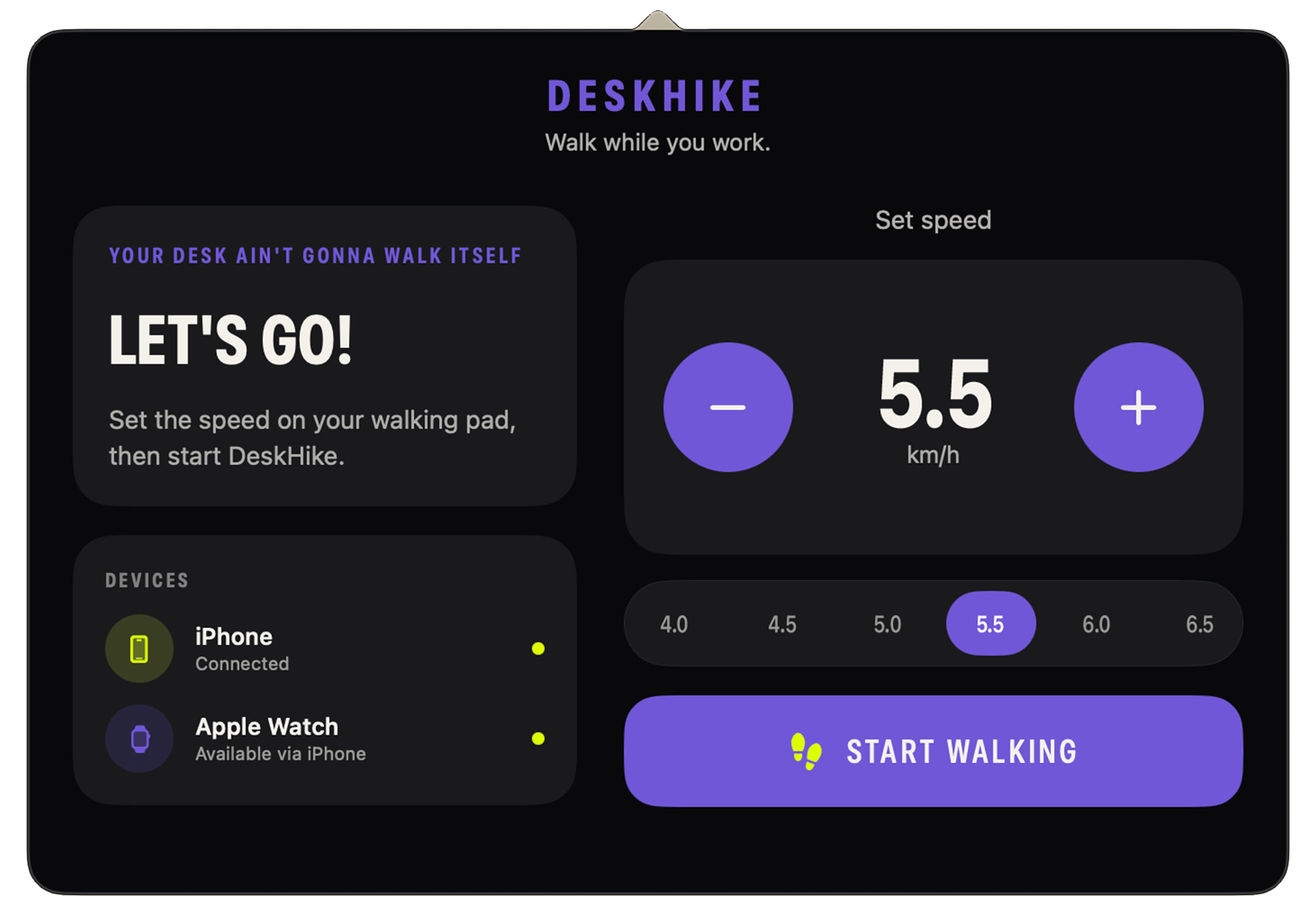
Set your walking-pad speed
Enter the speed shown on your walking pad so DeskHike understands the movement beneath your desk.

BUILT FOR WALKING WHILE WORKING
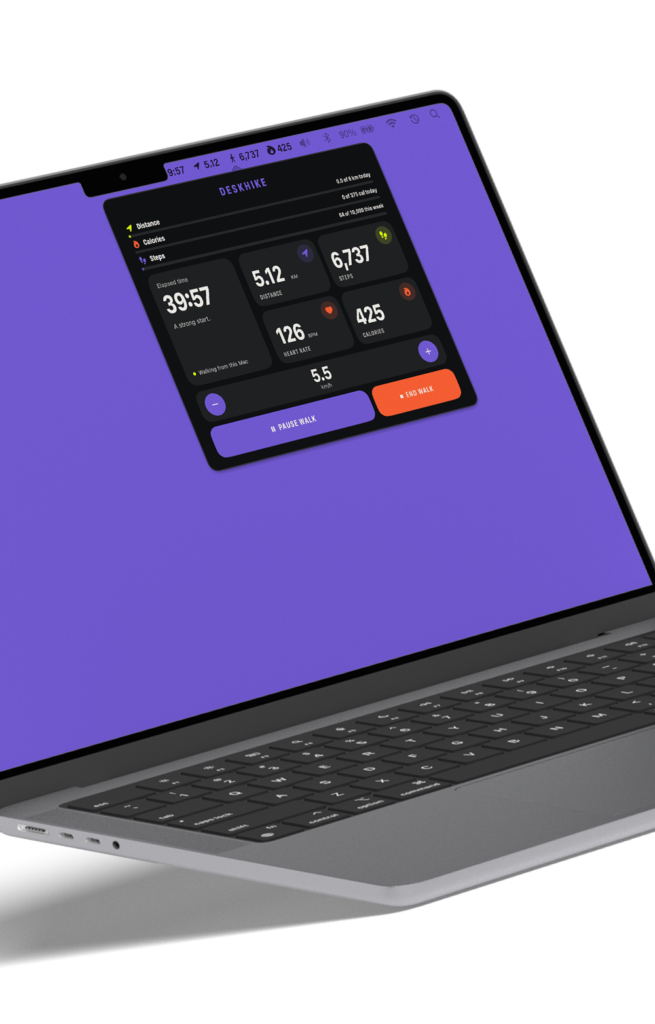
DeskHike tracks the walking-pad workout your Apple Watch can miss when your wrists stay still,
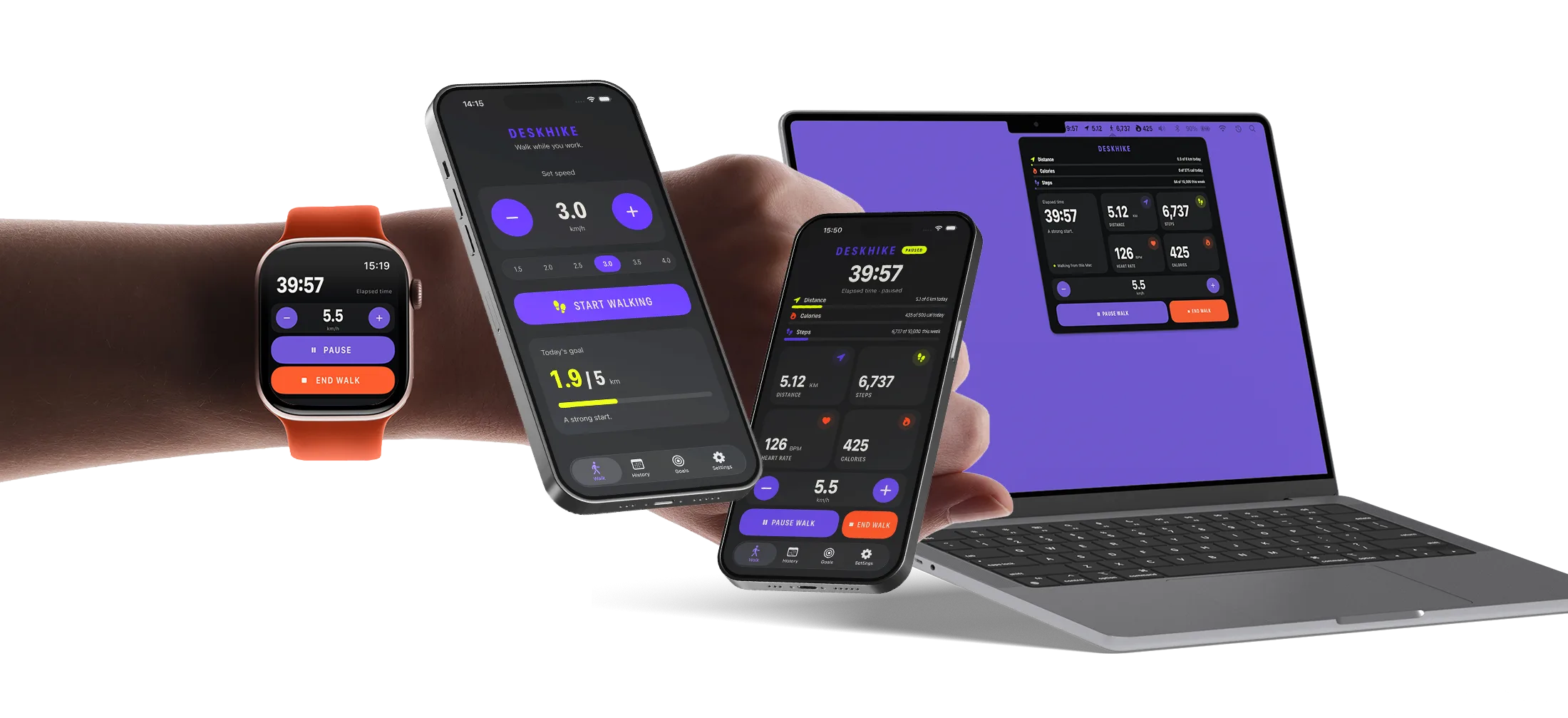
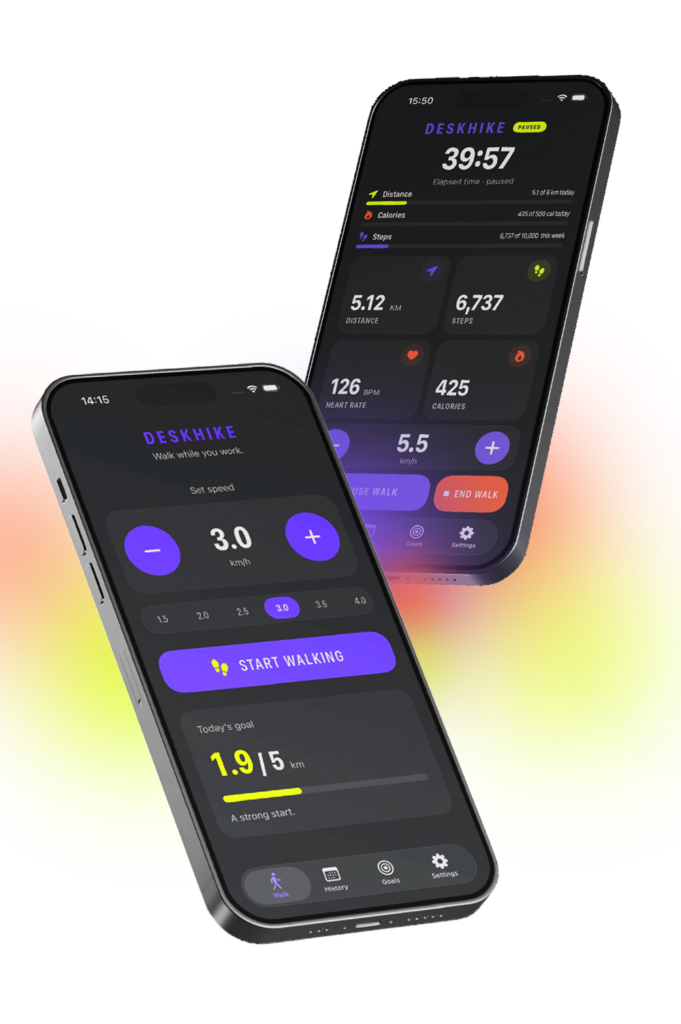
then keeps every live metric synced and in view across your Watch, iPhone and Mac.
See how it works ↓
● Early access for iPhone, Apple Watch and Mac
● LIVE WALK TRACKED
ACROSS ALL YOUR DEVICES
SIMPLIFIED PROGRESS VIEW


HEART RATE
TIME
DISTANCE
STEPS
ENERGY
ONE CONNECTED WALK
DeskHike fits around the way you already work. No ankle straps. No phone in your pocket. No entering the whole workout afterwards. Easy glance at your desktop to track your actual progress while you work. You can even change the speed mid-stroll at any time and your metrics will stay accurate to your pace.
01 · SET YOUR PACE
Enter the speed shown on your walking pad so DeskHike understands the movement beneath your desk.
02 · START YOUR WALK
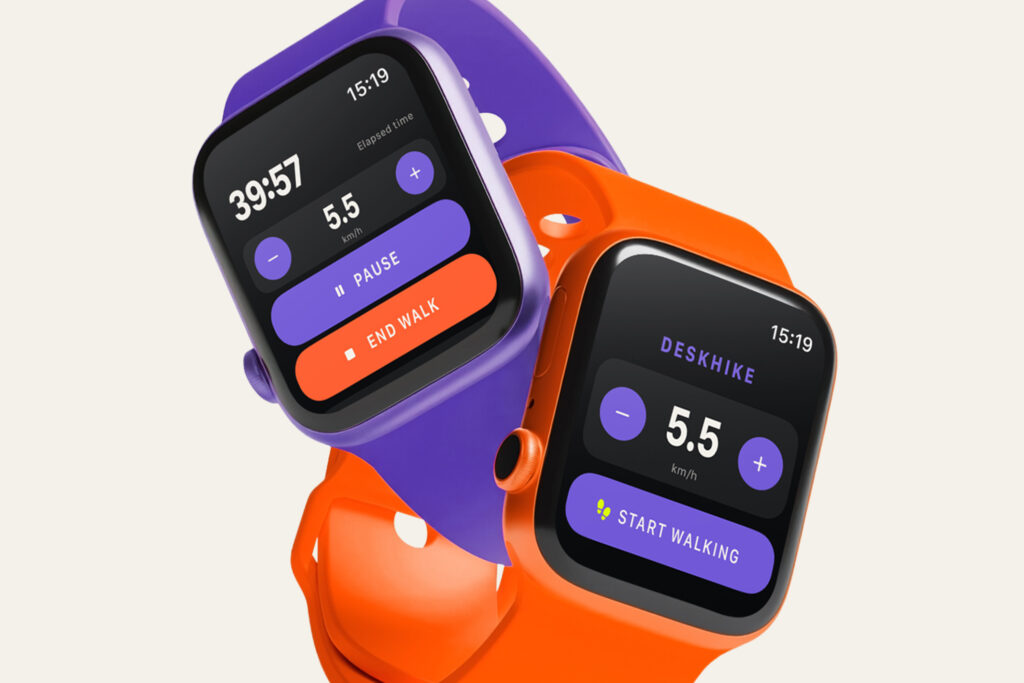
Heart rate syncs when you have one, but DeskHike captures accurate steps, distance and calories even without one.
03 · STAY IN THE FLOW
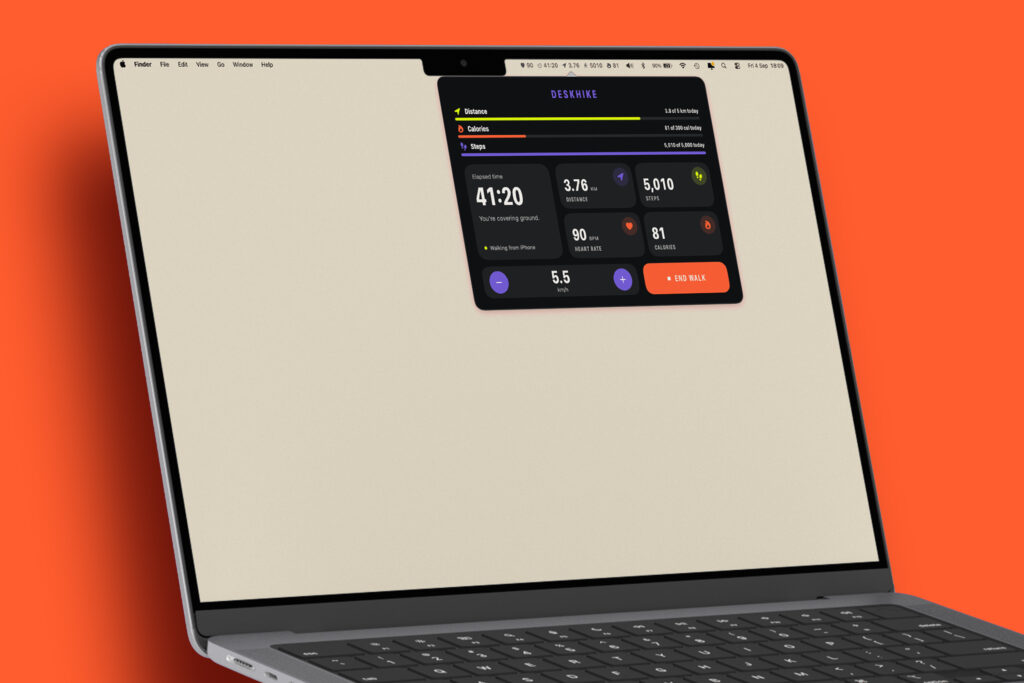
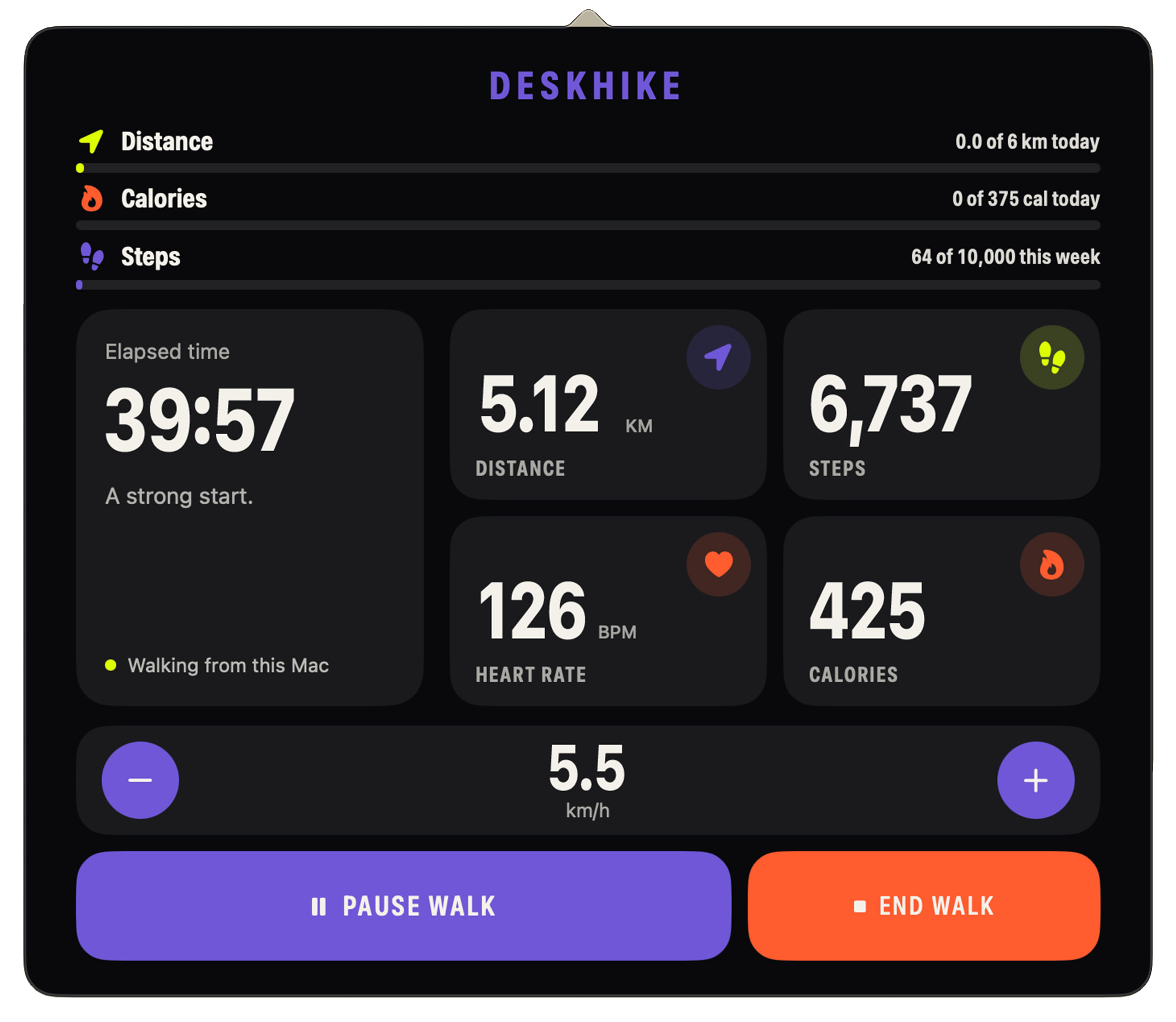
Follow every key metric on the Mac already in front of you, with iPhone and Watch kept in sync.
SOME SOLUTIONS SHOULD BE SIMPLE
DeskHike was designed for one specific kind of movement: walking while your attention, and your hands, are somewhere else while making it easy to track your progress at a glance on your desktop when you burn while you earn.


Your session isn’t dependent on swinging your arms while you walk.
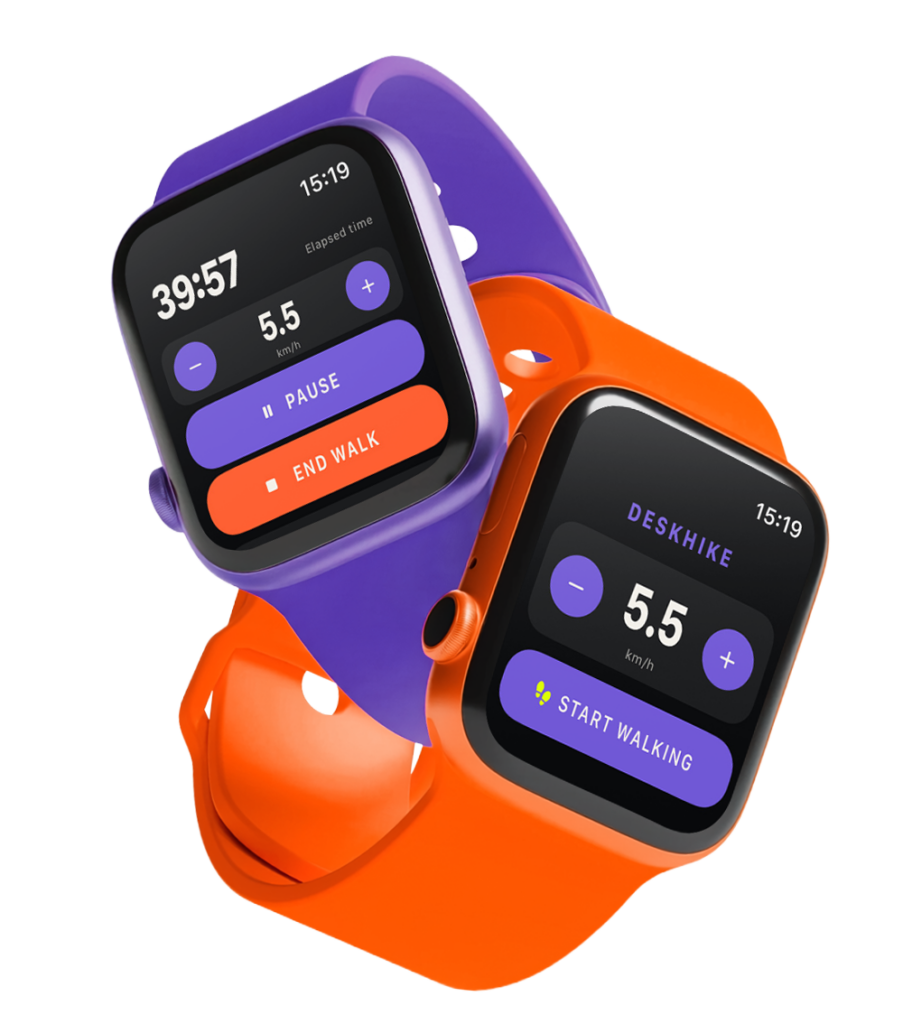
Keep heart rate, controls and everyday watch access where they belong.
See your session unfold at a glance — heart rate, speed, distance, steps, calories and time — without reaching for your phone.
Your iPhone, Apple Watch and Mac stay connected throughout your walk, keeping your session and key metrics together.
Every walk adds up. Look back at your distance, steps, time, pace and progress across days, weeks and months.
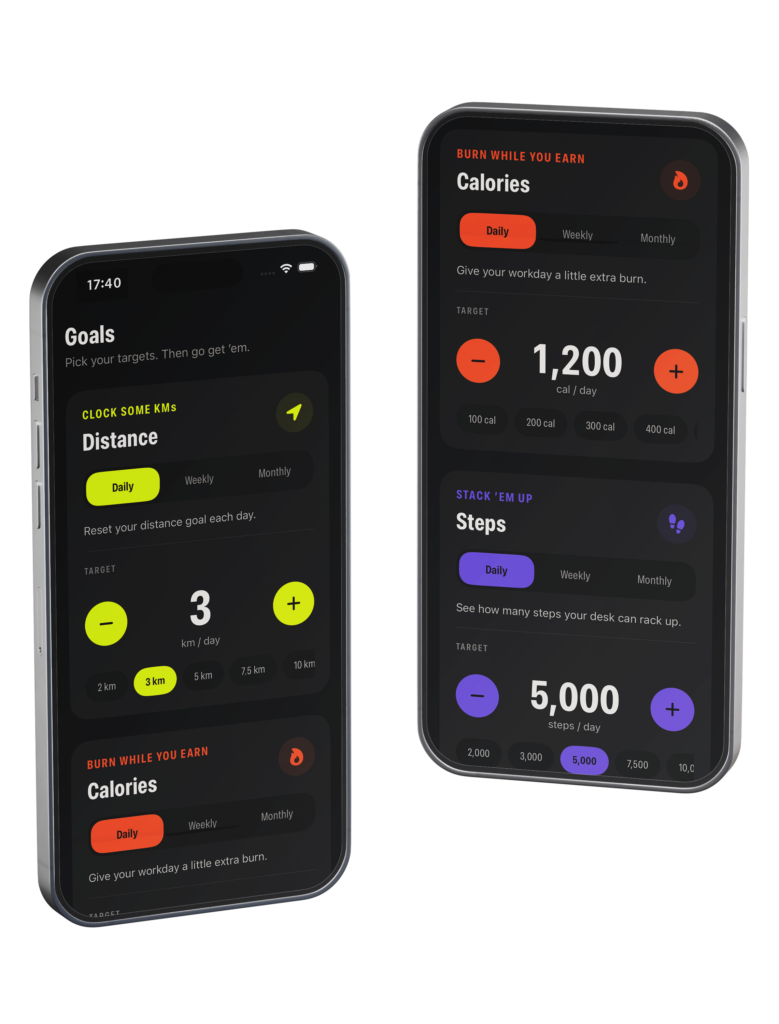
Set goals for distance, steps and calories, then watch your progress build as you work toward them.
Your completed DeskHike workouts sync to Apple Health, keeping your desk-walking activity together with the rest of your health and fitness history.
FOR WATCH • PHONE • DESKTOP
Start a walk, set your pace, review every session and build goals, all in one focused experience designed for walking while you work.
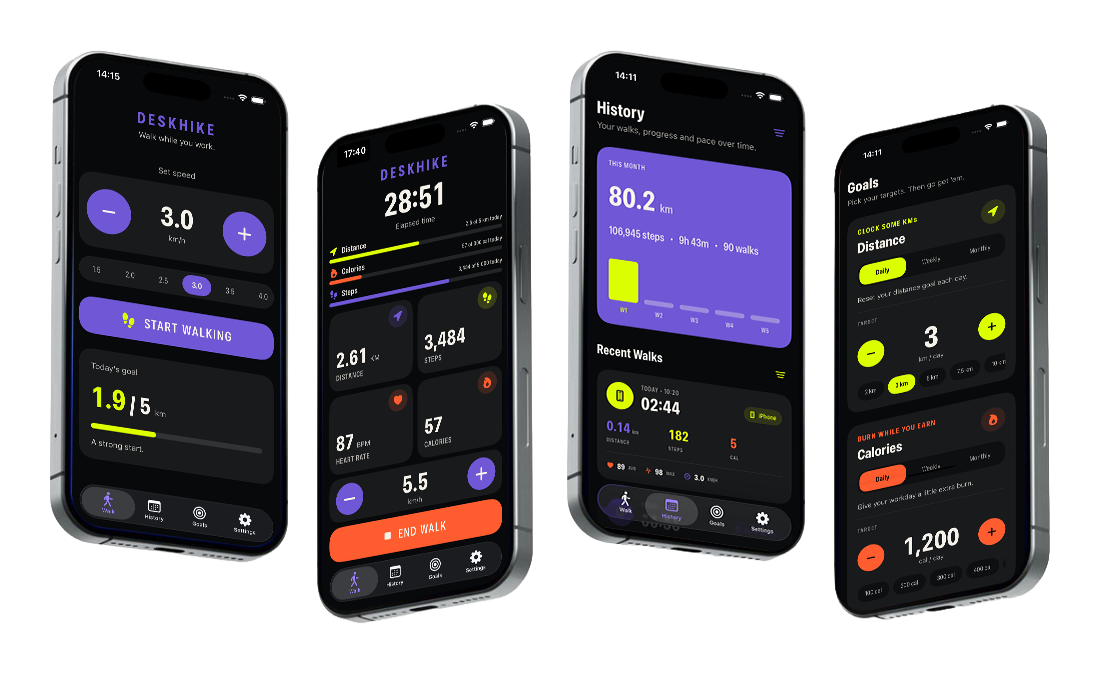

Simple controls when you need them. Connected progress while your hands stay busy at the keyboard. Join the DeskHike beta, start walking today and help us make the experience even better.
FOUNDING TESTER RELEASE
Join the first walkers to help test DeskHike across Apple Watch, iPhone and Mac, and help shape a better way to walk while you work.
Join Beta TestingMade for Apple Watch, iPhone and Mac
Early-access beta